Once you have a quality IPTV subscription, the next mission is squeezing the best possible picture out of it. Buffering, blurry SD streams, channel switching lag and EPG glitches are almost always solvable with a few smart settings. These IPTV streaming tips for 2026 cover everything from router tweaks to player engines.
Use the Right Internet Connection

The single biggest source of streaming problems is the network. Aim for at least 25 Mbps for a single 4K IPTV stream and 100 Mbps total for a household with multiple TVs. Fiber or 5G home internet are ideal. Older DSL can struggle during peak evening hours.
Wired Beats Wireless
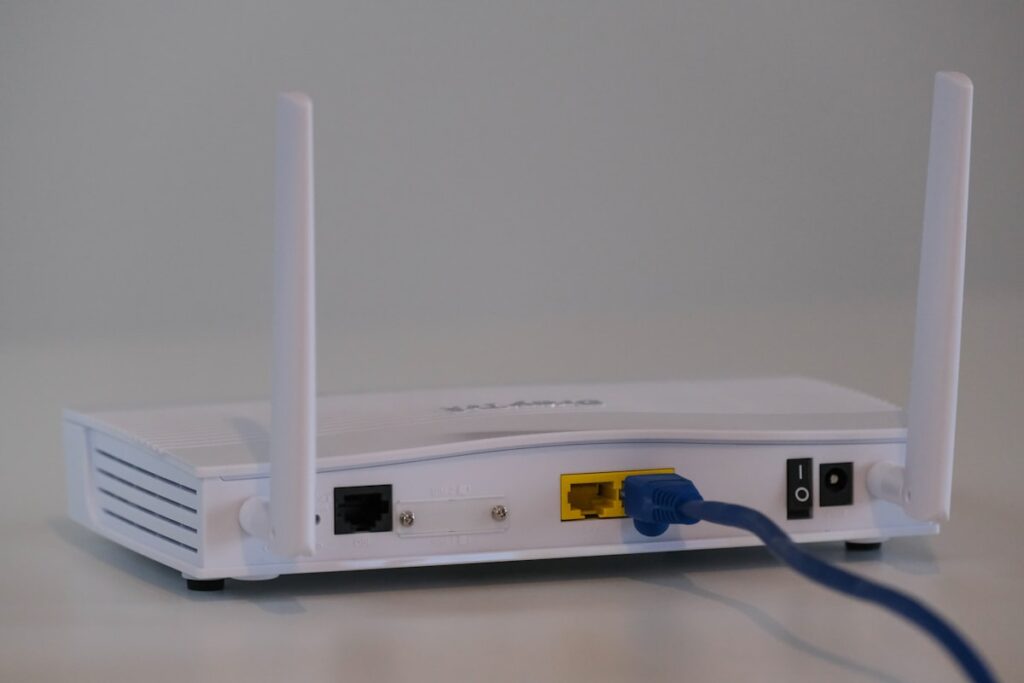
An Ethernet cable to your streaming device removes 90 percent of buffering complaints. If wires are not practical, use 5 GHz Wi Fi and place your access point in the same room as the TV.
Restart Your Router Weekly
Routers leak memory over time. A weekly reboot keeps things smooth, especially on consumer grade modem combos from your ISP.
Pick the Right Device
Not all streaming sticks are equal. For 4K IPTV stick with Firestick 4K Max, NVIDIA Shield, Apple TV 4K or a flagship Smart TV. Older Smart TV browsers and budget Android boxes often choke on high bitrate streams. The Firestick setup guide covers the best stick in detail.
Choose the Right Player
IPTV Smarters Pro lets you switch between Native, IJK and Exo player engines. Tivimate has its own engine. If a stream buffers on one engine, switch and try again. Most users find IJK best on Firestick and Exo best on Android TV. See the full setup guide.
Tune the Buffer Settings
Default buffer values are tuned for slow connections. On a 100 Mbps line you can drop the buffer to about three seconds which makes channel switching feel like cable. On a 25 Mbps line keep it around eight seconds for safety.
Use a VPN When Needed
Some ISPs throttle streaming traffic during peak hours. A reputable VPN with fast North American servers can actually improve performance. Pick a paid VPN, not a free one, because free VPNs often add latency and bandwidth caps.
Keep Apps and Firmware Updated
Both the Firestick OS and IPTV Smarters Pro receive regular updates. Old versions often cause black screens or EPG errors. Update both monthly.
Lower the Resolution If Needed
If you are on a 1080p TV, switching channels to HD instead of 4K cuts bandwidth in half and removes most buffering instantly. The picture difference is invisible on a 43 inch TV.
Catch Up and On Demand
Most modern IPTV providers USA and Canada include catch up TV and on demand libraries. Use them when live streams are crowded during marquee events. IPTVUSAA refreshes the VOD library weekly.
Audio Tips
For home cinema setups switch the player to passthrough audio so Dolby Digital 5.1 from sports broadcasts goes straight to your receiver. Inside IPTV Smarters Pro this option lives under Player Settings, Audio.
Backup Subscriptions
Power users keep two subscriptions, a primary and a small secondary, so they never miss a big game. IPTV Smarters supports multiple playlists side by side. For most households one premium plan from IPTVUSAA is more than enough.
External Reading
For an overview of streaming protocols and how HLS handles adaptive bitrate, the MDN streaming guide is a useful neutral resource.
Conclusion
Most IPTV streaming issues are not the provider, they are the setup. A solid router, a good device, the right player and a smart buffer setting solve almost every complaint. Start with these tips, run the IPTVUSAA free trial and you will see how good IPTV can actually look.

FAQs
Why does my IPTV buffer so often?
The most common causes are weak Wi Fi, an overloaded router, the wrong player engine and old firmware. Switch to 5 GHz Wi Fi or Ethernet, reboot the router, and try a different player inside IPTV Smarters Pro. These three fixes solve buffering for the majority of users.
What is the best player for IPTV?
IPTV Smarters Pro for everyone, Tivimate for power users on Android and Firestick, and Smarters Player Lite on Apple TV. All three are mature, stable and well supported by quality IPTV providers in 2026.
Do I need a VPN?
You do not need a VPN, but if your ISP throttles streaming during peak hours a paid VPN with fast North American servers often improves things. Skip free VPNs because they add latency and impose hidden bandwidth caps.
How can I watch IPTV in 4K?
Use a 4K capable device, a 4K TV, and a stable internet connection of at least 25 Mbps. Inside the player make sure hardware decoding is enabled. Then pick a 4K channel that your provider explicitly tags as native 4K rather than upscaled.
Why is my EPG wrong?
Set your time zone correctly inside IPTV Smarters Pro and reload XMLTV from the TV Guide menu. A quality provider like IPTVUSAA ships a clean US and Canadian EPG that lines up out of the box.
Can I stream on multiple TVs?
Yes. Most IPTV plans allow one to three simultaneous connections. IPTVUSAA offers multi connection households which is ideal for families watching sports, news and shows at the same time.
How do I make channel switching faster?
Lower the buffer time inside the player from the default eight seconds to about three seconds, assuming your internet is fast and stable. This makes flipping channels feel like cable.